
Your Home Dashboard, Explained
Home is the first screen you land on, and it is built to answer one question: what should I do about my reviews today? Everything on it is either something waiting for you, or a signal about whether your reputation is heading in the right direction.
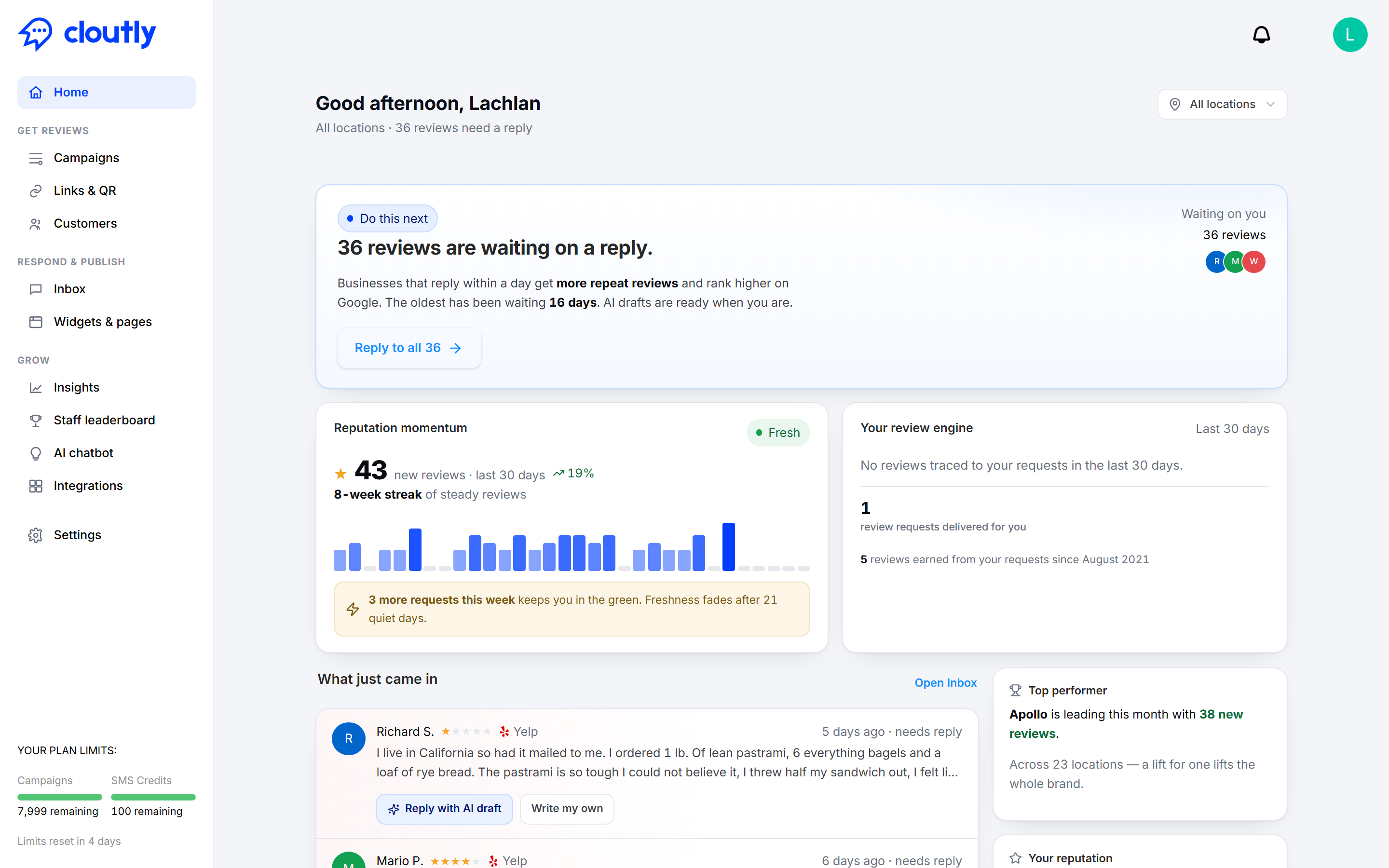
Start at the top
The greeting line tells you how many reviews need a reply right now. Next to it, on the right, is the location picker. It starts on All locations, and everything below it respects that choice — switch to a single location and every card on the page recalculates for just that site.
If you manage one location, you can ignore the picker entirely. If you manage twenty, it is the fastest way to find out which one needs you.
Do this next
This is the only card that tells you to take an action, and it always shows the single most useful thing you could do right now.
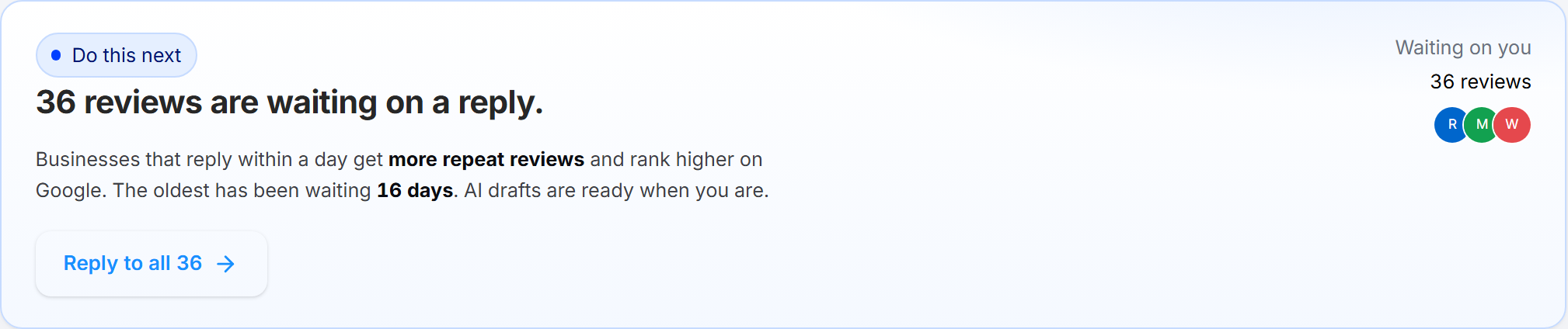
Most of the time it is unanswered reviews. The card tells you how many are waiting and how long the oldest one has been sitting there, which is usually the number that stings. The button takes you straight into the Inbox with those reviews queued up, and AI drafts already prepared — you read and adjust rather than starting from a blank box.
The reason this sits at the top of the page: replying quickly earns you more repeat reviews, and Google favours profiles that respond. A review you answer in a day is worth more than the same review answered in three weeks.
Reputation momentum
Momentum answers "are reviews still coming in?" rather than "how good are they?".
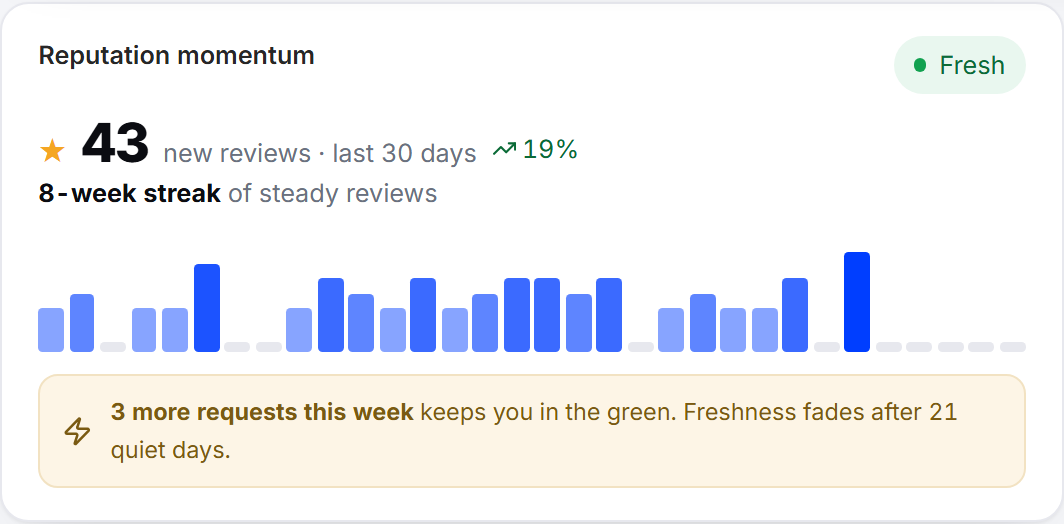
You get the number of new reviews in the last 30 days, how that compares with the period before it, and a bar for each recent week so you can see the shape rather than just the total. The chip in the corner reads Fresh while reviews are arriving steadily.
The line underneath is the one worth acting on. Freshness fades after 21 quiet days, so if the card tells you a few more requests this week keeps you in the green, that is a concrete instruction — send a campaign or share a review link before the streak breaks. A profile that stopped collecting reviews eight months ago looks worse to a customer than one with fewer reviews that is obviously still active.
Your review engine
This card separates reviews you earned from reviews that simply arrived.
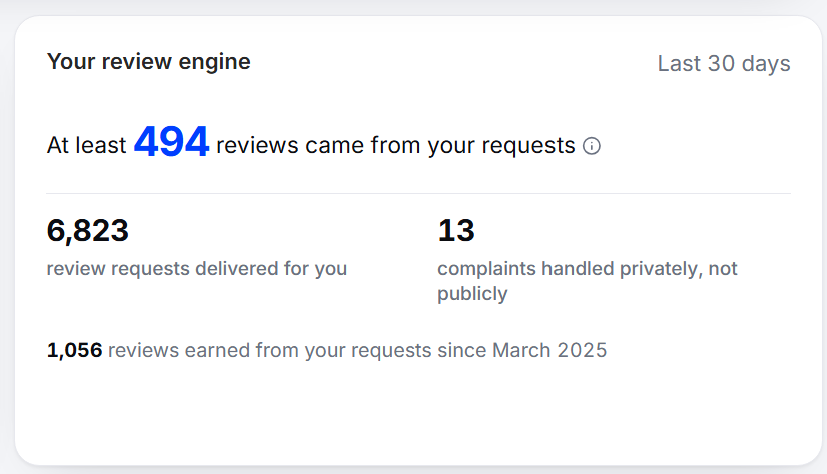
The headline figure is how many reviews in the last 30 days came from your requests. Note the wording — "at least". Attribution is deliberately conservative: Cloutly only counts a review when it can genuinely tie it back to a request you sent, so the true number is usually higher than the one shown. It will never flatter you.
Below that:
Review requests delivered for you — how many actually reached a customer in the period, not how many were queued.
Complaints handled privately, not publicly — unhappy customers who told you instead of leaving a public one-star review. Every one of these is a bad review that never happened.
The line at the bottom is your lifetime total: every review attributed to your requests since you started with Cloutly.
If requests are going out but nothing is coming back, that is worth investigating — it usually means the requests are landing but not converting, rather than a tracking fault. If the card says no requests were delivered at all, nothing is running, and Home will keep telling you so.
What just came in
The most recent reviews that need a reply, so you can deal with one or two without opening the Inbox at all.
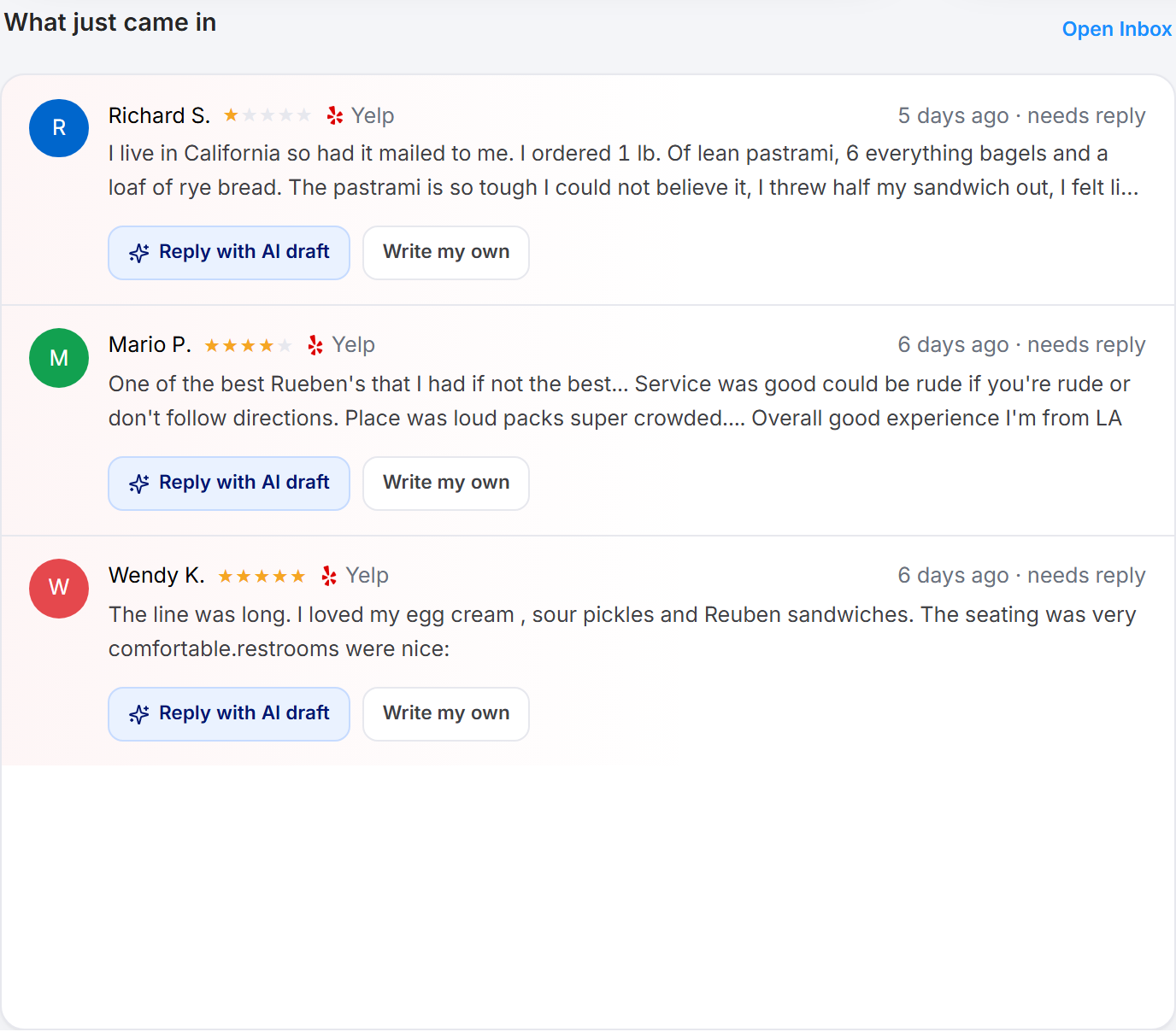
Each review shows the star rating, the source it came from, and how long it has been waiting. You get two options on every one:
Reply with AI draft — Cloutly writes a response based on what the review actually says. You review and edit it before anything is posted.
Write my own — a blank reply, if you would rather do it yourself.
Open Inbox in the corner takes you to the full list when there are more than a handful.
Top performer
If you have more than one location, this names the one collecting the most reviews this month.
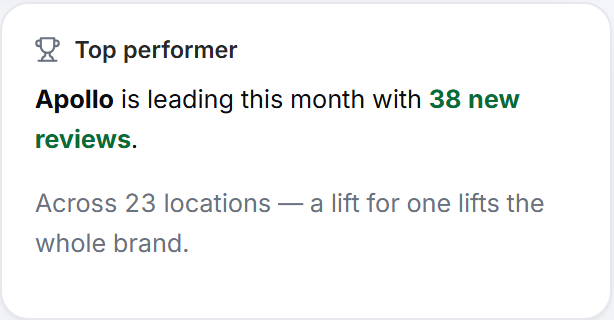
It is genuinely useful for multi-location businesses: the leading site is usually doing something the others are not — asking at the right moment, or asking at all — and that is a practice worth copying across the group.
Your reputation
Your public score, as a customer would see it.
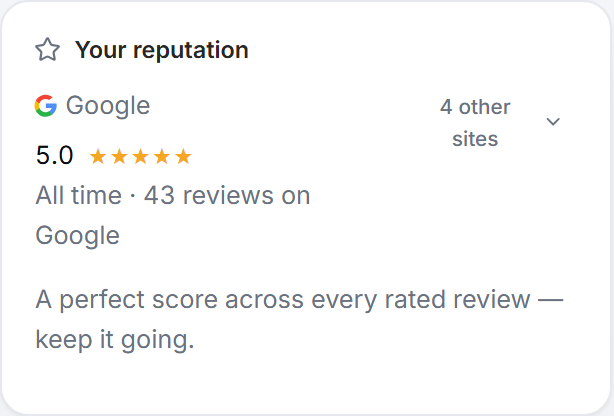
The main figure is your rating on Google with the all-time review count behind it. If you have connected other review sites, the control on the right expands to show each of them. The line at the bottom translates the number into plain English rather than leaving you to interpret it.
Working for you in public
Every other card measures reviews. This one measures what those reviews are actually doing for the business.
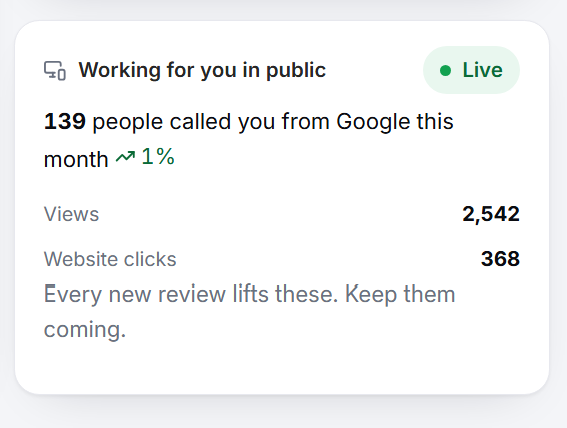
The figures come live from your Google Business Profile, so they are real customer behaviour rather than anything Cloutly calculates:
Calls from Google this month, with the change on the previous month
Views — how many people saw your profile
Website clicks — how many went on to your site
This is the card to look at when someone asks what review management is worth. Rating and review count are a means to an end; phone calls and clicks are the end. A rising star rating that moves none of these numbers is worth questioning, and a rating that lifts all three is the whole argument for doing this in the first place.
A Live chip in the corner confirms the connection is active and the data is current.
You need to authenticate with Google before any of this appears. Until you do, the card shows a Connect Google Business Profile button instead of your numbers — connecting it is the single highest-value thing you can do on this page.
A two-minute routine
Home rewards a short, regular visit more than a long occasional one:
Clear whatever Do this next is showing. Usually replies, usually five minutes.
Glance at Reputation momentum. If the streak is at risk, send a campaign or share your review link.
Check Your review engine once a week. Requests going out with nothing coming back is a problem worth catching early.
Do that and the rest of the dashboard largely looks after itself.