
Adding, Changing or Removing a Payment Method
How to add a new billing method
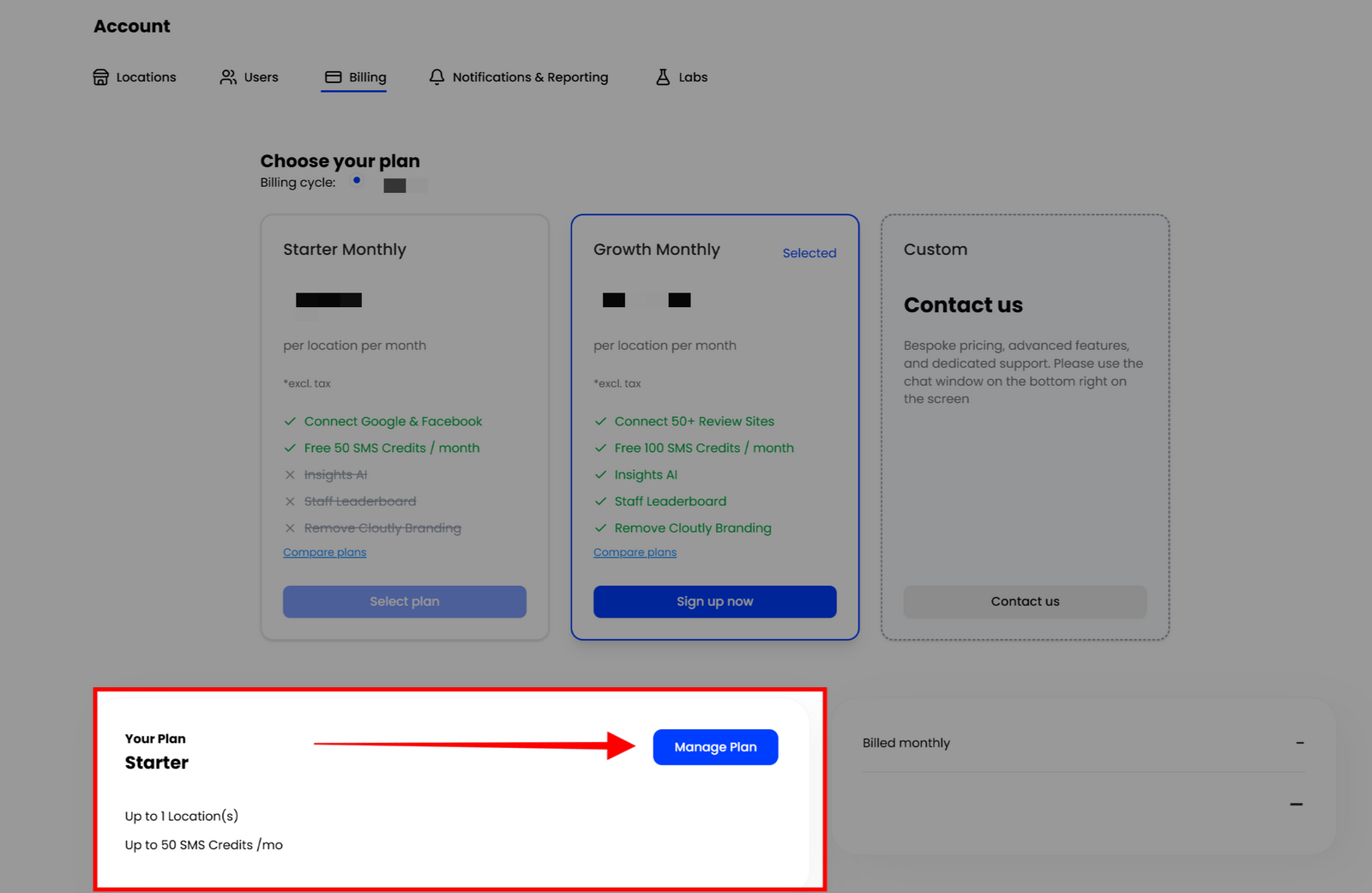
- Go to Settings ➜ Billing
- Click **'Manage Plan' **next to the "Your Plan' card, which will open the billing portal
- Inside the billing portal, you can add/remove/change billing details
Updated on: 30/09/2025